
English 
Dedicated to global electroacoustic technology.
Views: 0 Author: Site Editor Publish Time: 2026-10-22 Origin: Site


A buzzer and a speaker are not two versions of the same component, and treating them as interchangeable is one of the more expensive habits in embedded audio design. A buzzer is a narrow-band signalling device built to produce one unmistakable tone at the lowest possible current. A speaker is a wide-band transducer built to reproduce a waveform. The difference shows up in five places: the bandwidth, the drive signal, the electrical load, the power budget, and the mechanical integration. Confuse them at the schematic stage and you end up either driving a coil straight from a GPIO pin or feeding audio into a resonator that cannot reproduce it. This guide covers all five, with the datasheet numbers that separate them.
A buzzer reproduces one tone; a speaker reproduces a waveform: Buzzers are mechanical resonators, loudest at one frequency and rolling off quickly either side. Speakers are designed to track a signal across a band, so they can carry speech and music.
The drive signals are fundamentally different: An active buzzer runs from a DC level. A passive buzzer needs a square wave at its resonant frequency. A speaker needs a continuous alternating audio signal, which in practice means an amplifier.
A speaker is a load, not a switch: With impedances of 8 Ω or 32 Ω, a speaker demands an amplifier stage and cannot be connected to a GPIO pin. A buzzer can be driven by a transistor costing a few cents.
Compare sound pressure level only within a technology: A 13 mm micro speaker is specified at 88 ± 3 dB at 0.5 W / 10 cm. A 9 mm magnetic buzzer is specified at 85 dB minimum at 10 cm. The numbers look close, and they mean completely different things.
The acoustic cavity is part of the speaker: A speaker's low-frequency output depends on the volume of air behind it. A buzzer is far less sensitive to mounting because it is already a sealed resonator. This is why speaker projects need mechanical work that buzzer projects do not.
Choose by signal content, not by loudness: If the product needs to say something or play something, it needs a speaker. If it needs to alert, a buzzer does the job with a fraction of the current, the board area and the engineering effort.
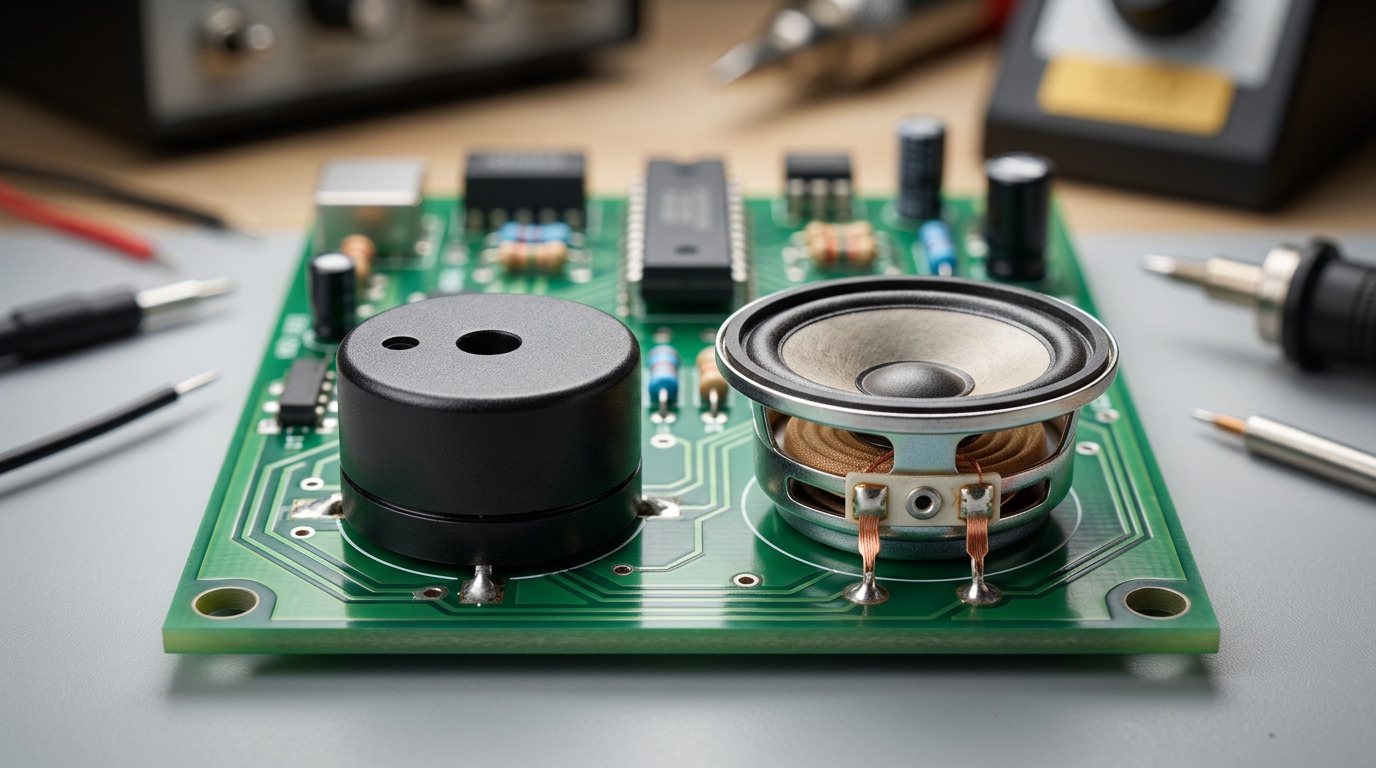
A buzzer is a resonator. Its output peaks at the designed resonant frequency and falls away steeply on both sides, which is a feature rather than a limitation: it means almost all of the electrical energy goes into one audible tone. A magnetic buzzer typically resonates in the 1–3 kHz region, and a piezo buzzer in the 2.5–4 kHz region. Outside that band, output drops by many decibels.
A speaker is a transducer with a designed passband. It has a resonant frequency of its own — the TATSP13A-002 13 mm micro mylar speaker sits at 600 ± 20 % Hz — but the design goal is a usable response well above it. That same 13 mm part is specified across F0 to 5 kHz, while a 20 mm or 23 mm part reaches F0 to 20 kHz, and an ultra-thin 36 mm mylar speaker covers 500 Hz to 10 kHz in a 2–4 mm profile.
Table 1: Bandwidth in Practice
Part | Type | Specified frequency range | Resonant point |
|---|---|---|---|
9.2 × 5.5 mm magnetic buzzer | Signalling buzzer | Narrow band at resonance | 2700 ± 300 Hz |
13 mm micro mylar speaker | Speaker | F0 to 5 kHz | 600 ± 20 % Hz |
20 mm mylar speaker | Speaker | F0 to 20 kHz | 650 ± 20 % Hz |
23 mm mylar speaker | Speaker | F0 to 20 kHz | 750 ± 20 % Hz |
36 mm ultra-thin mylar speaker | Speaker | 500 Hz to 10 kHz | — |
57 mm mylar speaker | Speaker | F0 to 10 kHz | — |
The practical rule that follows: a buzzer cannot carry speech intelligibly, no matter how loud it is, because the information in speech lives in a band several kilohertz wide and the buzzer reproduces a few hundred hertz of it. If your product needs to say "battery low" in words, no amount of buzzer specification will help. If it needs to signal that something is wrong, a buzzer is more efficient at that job than any speaker.
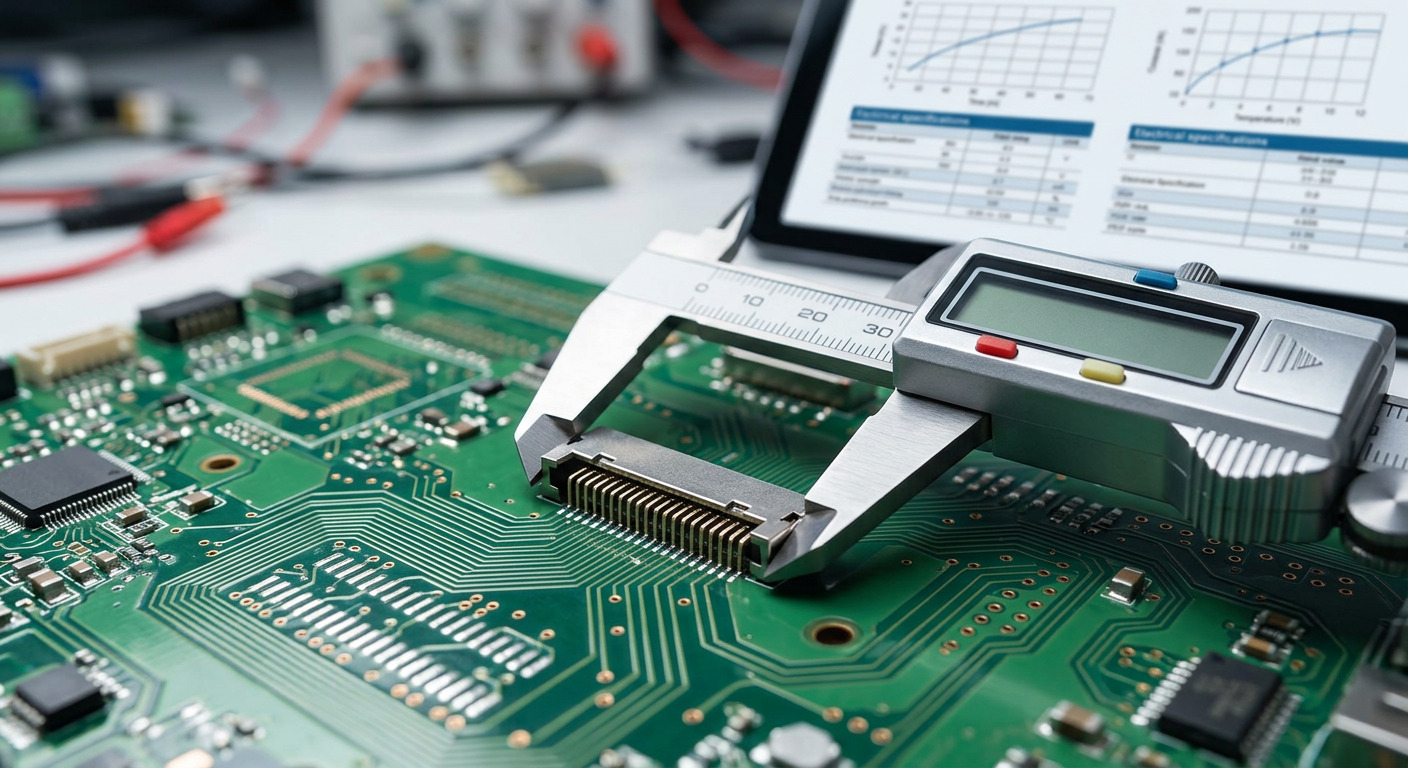
This is the difference that most often causes a prototype to fail on the bench.
An active buzzer needs a DC level. Apply a voltage within its rated window and it sounds, because the oscillator is inside the housing. Nothing else is required — no waveform, no timer, no frequency calculation.
A passive buzzer needs a square wave at its resonant frequency. It is a transducer with no oscillator, so the frequency comes from your firmware. Drive it with DC and it produces nothing at all, because a piezoelectric element at a constant voltage has a constant shape.
A speaker needs a continuous alternating signal with the audio content in it. In practice that means a DAC, a PWM output through a filter, or an audio codec, followed by an amplifier. A square wave at a single frequency will produce a tone from a speaker, but it will be a harsh one and it will not carry any information beyond "on".
The consequence for firmware is asymmetric. An active buzzer is a single GPIO write. A passive buzzer is one timer channel generating a fixed frequency. A speaker is an audio path — sample rate, buffering, amplifier gain, and usually an enclosure that has to be tuned. That escalation is the real reason most alerting functions end up on buzzers even in products that have a speaker fitted for other reasons.

A buzzer and a speaker present completely different loads, and the driver stage follows.
Table 2: Loads and Drivers
Property | Active magnetic buzzer | Passive piezo buzzer | Mylar speaker |
|---|---|---|---|
Load type | Inductive coil | Capacitive element | Resistive-ish, 4–32 Ω |
Typical impedance | Coil resistance, tens of Ω | 13 000–15 000 pF | 8 Ω, 32 Ω |
Drive stage | Transistor plus flyback diode | Push-pull pair or bridge | Class-D or Class-AB amplifier |
Can a GPIO drive it? | No | No, needs charge and discharge | No |
Failure if driven directly | Damaged driver, damaged pin | Weak or no output | Thermal overload, distortion |
The speaker case is the least forgiving. A 32 Ω part on a 3.3 V rail would attempt to draw roughly 100 mA, and an 8 Ω part considerably more, both far beyond what a GPIO pin is specified to deliver continuously. The signal also clips, because a GPIO cannot swing the current the load wants. The result is distortion at best and a destroyed port at worst.
A magnetic buzzer is nearly as unforgiving, for a different reason. Its coil is inductive, so when the driver switches off, the collapsing field generates a voltage spike. Without a flyback diode across the coil, that spike finds its way into the switching device and eventually destroys it.
A passive piezo is the most benign of the three on current, but it still needs a driver that can both source and sink charge. A single-ended switch through a pull-up resistor produces sound at reduced output and with an asymmetric waveform; a push-pull pair or a bridge is the correct topology.
The headline difference is that a buzzer converts electrical energy into one tone efficiently, while a speaker has to reproduce a band and therefore spends more energy doing it.
A magnetic buzzer in TAT's range is specified at a maximum of 30 mA. A passive piezo can be an order of magnitude below that — the BP1770-40 passive piezo ceramic buzzer is specified at a maximum of 3 mA at 4 kHz, 50 % duty, 5 V-p-p. Both figures are for the transducer alone.
A speaker's consumption is set by the amplifier, not by the driver. A 0.5 W speaker driven at its rated input draws roughly 0.5 W plus amplifier losses; at 3.3 V that is well over 150 mA, and at higher output it scales from there. That is why speaker-equipped products carry a rechargeable cell and buzzer-equipped products often run for years on a coin cell.
The supplies differ accordingly. A buzzer runs from the logic rail or from a 12 V or 24 V industrial rail, and the firmware cost is one GPIO write or one timer channel. A speaker wants a dedicated audio rail or a battery, and the firmware cost is an audio pipeline with a sample rate, buffering and gain staging.
The useful way to compare is average current over a realistic use pattern. An alarm that sounds for two seconds an hour is negligible on either technology. A device that plays a voice prompt on every user interaction is where the difference becomes a battery-life decision.
One caveat worth stating: buzzers are not automatically more efficient at being heard. Per milliamp, a buzzer concentrates its energy into the band where hearing is most sensitive, which is why a 3 mA piezo can be startling. A speaker spreads its energy across a band to carry information, and that is a different objective. Compare them on the requirement, not on the milliamps alone.
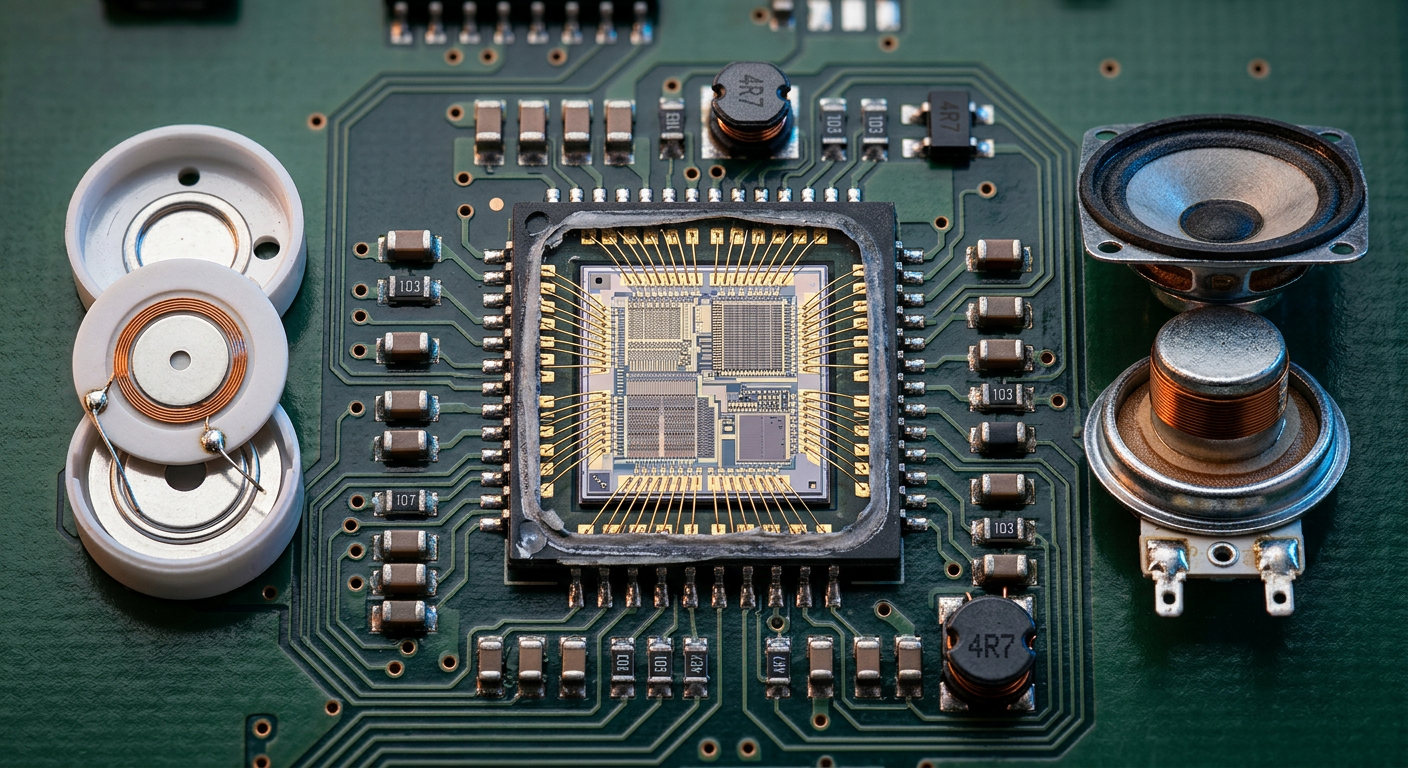
This is the difference that catches out teams moving from a buzzer to a speaker for the first time.
A buzzer is a self-contained resonator. The housing is part of the product, the cavity is tuned by the manufacturer, and mounting it on a panel or a board changes the output only modestly. A gasket and a thread are usually the entire mechanical specification.
A speaker is a driver that needs an enclosure to work. Low-frequency output depends on the volume of air behind the diaphragm, so the same 20 mm speaker can produce noticeably different bass in a 1 cm³ cavity and a 10 cm³ cavity. Ports, gaskets, and the seal between the speaker frame and the housing are all part of the acoustic design. A speaker mounted on an open frame with no rear volume will sound thin regardless of its datasheet response.
Table 3: Mechanical Considerations
Consideration | Buzzer | Speaker |
|---|---|---|
Enclosure dependence | Low, cavity built in | High, rear volume sets low-frequency output |
Sealing | Housing-level, epoxy or gasket | Frame gasket plus enclosure seal |
Mounting | SMD, pin, wire lead, panel thread | Frame screw, snap-in, or bracket |
Vibration sensitivity | Low | Diaphragm excursion can couple into the housing |
Board area | Small, 9 mm bodies available | Larger, and needs a sound path |
The practical implication is scheduling. A buzzer decision can be made late in a project without much consequence. A speaker decision changes the mechanical design, so it has to be made early, and the cavity has to be validated with the actual housing rather than on a bench.
For products where both functions are needed — an alert tone plus occasional voice prompts — the common solution is to fit both: a buzzer for the alert and a speaker for the audio. That is often cheaper and simpler than trying to make one component do both jobs.
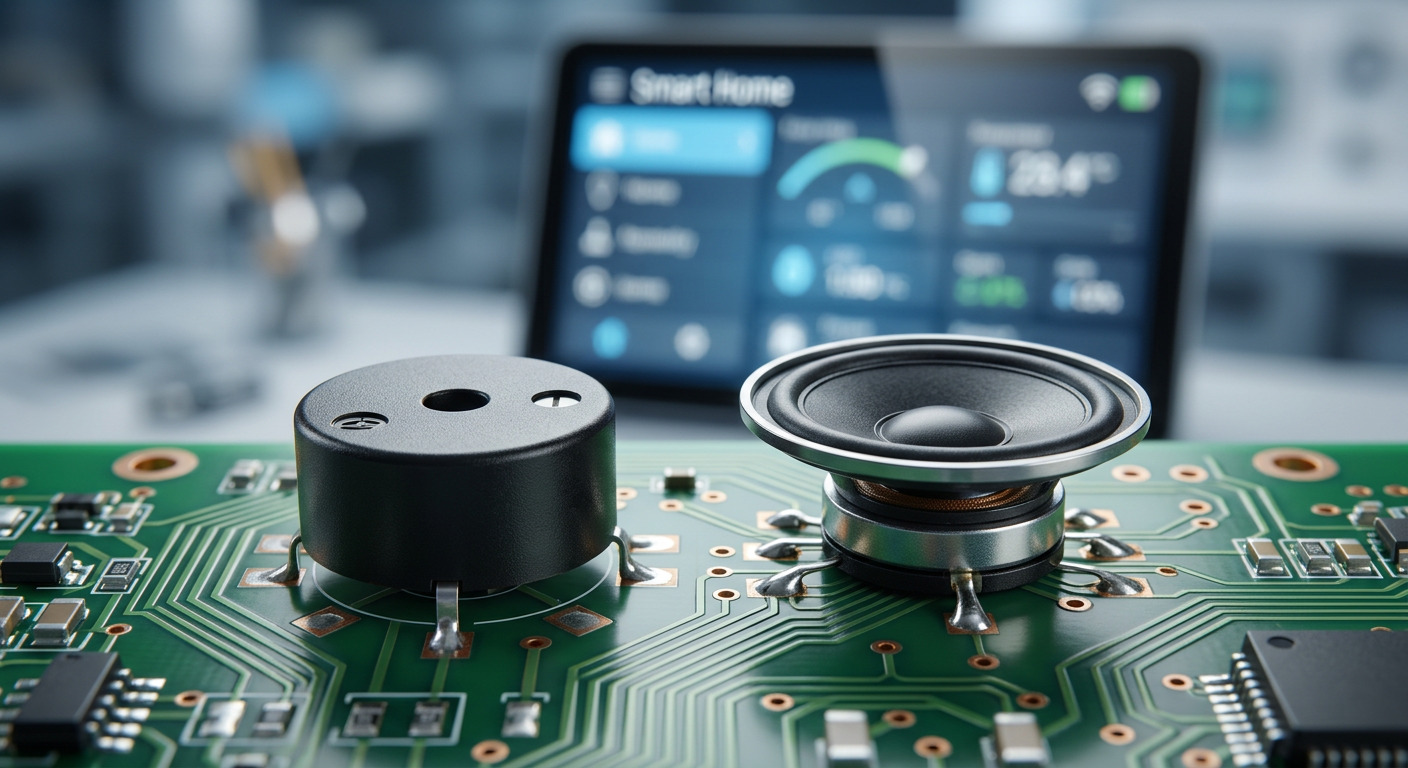
Speaker and buzzer datasheets quote sound pressure level under different conditions, and the numbers are not comparable across the two.
A 13 mm micro mylar speaker in TAT's range is specified at 88 ± 3 dB at 0.5 W input, measured at 10 cm, averaged across 0.8, 1.0, 1.2 and 1.5 kHz. A 20 mm part reaches 95 ± 3 dB under the same conditions; a 23 mm part reaches 93 ± 3 dB; the 57 mm TAT-S57F2-8-1 is specified at 82 ± 3 dB at the much lower drive level of 0.1 W at 10 cm. The 57 mm figure is lower because it is measured at a fifth of the input power, not because the part is quieter.
On the buzzer side, a 9.2 × 5.5 mm active magnetic buzzer is specified at 85 dB minimum at 10 cm when driven at its rated voltage, with a maximum current of 30 mA.
Three rules follow. First, always compare at the same drive level and the same distance; a 6 dB difference corresponds to a doubling or halving of distance. Second, treat a "minimum" figure and a "typical with tolerance" figure differently — the minimum is a guarantee, the tolerance band is a distribution. Third, ask for the measurement bandwidth, because a speaker figure averaged over four low-frequency points and a buzzer figure at its resonant peak are not measuring the same thing.
Work backwards from the signal. If the information the product must convey can be carried by presence, absence, or a pattern of one tone, a buzzer is the right answer and will cost a fraction of the current, the board area and the engineering time. Alerts, confirmations, fault indications and status beeps all fall into this group, and an active part reduces the firmware to a single GPIO write.
If the information needs words, music, or distinguishable multi-frequency effects, a speaker is required and the project has to budget for an amplifier, an audio path and a tuned enclosure. Voice prompts, media playback and interactive feedback all fall into this group.
If the requirement is both, fit both. The buzzer handles the safety-critical alert path with predictable current and no firmware dependency, and the speaker handles the informative path. Splitting the functions also means a failure in the audio pipeline does not silence the alarm.
Both categories are worth comparing within a single supplier, because the mounting and the wire configuration then come from the same source: the buzzer range covers signalling parts from 9 mm bodies upward, and the speaker range covers mylar drivers from 13 mm to 57 mm.
The five differences between a buzzer and a speaker are bandwidth, drive signal, load type, power budget and mechanical integration. They are not variations in degree; they are different design problems, and the earlier in a project the distinction is made, the cheaper it is.
The practical decision sequence is short. Establish what the product needs to convey, then decide whether that content fits in one tone. If it does, choose a buzzer and pick active or passive based on whether the tone carries information. If it does not, budget for an amplifier and an enclosure before the industrial design is frozen.
Before release, confirm four things in writing with your supplier: the sound pressure level with its drive level and distance, the impedance and rated power, the frequency range, and the RoHS documentation for the exact part number. These are the four values most often quoted without conditions, and the four that determine whether the finished product sounds like the prototype.
Specifying a buzzer or a speaker for a new product? TAT Electronics manufactures both — magnetic and piezoelectric buzzers from 9 mm bodies up to 43 mm sealed panel units, and mylar speakers from 13 mm to 57 mm in 4 Ω, 8 Ω and 32 Ω versions, with custom wire assemblies and connectors. Send your signal requirement, supply rail and target sound pressure level with its distance through our contact page and we will come back with the closest matching part and a sample plan.
A: No. A speaker is a low-impedance load — 8 Ω or 32 Ω — so at 3.3 V it will attempt to draw far more current than a GPIO pin is specified to deliver, which clips the signal and can destroy the port. You need an amplifier stage, typically a small Class-D device, between the microcontroller and the speaker. The same applies to a magnetic buzzer, which needs a transistor and a flyback diode, and to a passive piezo, which needs a stage that can both source and sink charge.
A: Functionally it behaves that way, but the construction is different and so is the design intent. A buzzer is built as a resonator: the housing, the cavity and the element are tuned together to concentrate output at one frequency, and the drive circuit for an active part is inside the housing. A speaker is built as a transducer to track a signal across a band, and it depends on an external enclosure for its low-frequency behaviour. That is why a buzzer can be swapped late in a project and a speaker usually cannot.
A: Because each part is measured at a drive level chosen by the manufacturer, and the figures are only comparable when the drive levels match. A 13 mm speaker specified at 88 ± 3 dB at 0.5 W / 10 cm and a 57 mm speaker specified at 82 ± 3 dB at 0.1 W / 10 cm are not telling you the small part is louder. Convert both to the same drive level before comparing, or ask the supplier for a common measurement condition.
A: Nothing audible. A piezoelectric element changes shape in proportion to the applied voltage, so a constant DC level produces a constant displacement and therefore no sound. A passive buzzer needs an alternating signal at roughly its resonant frequency. This is a frequent bring-up failure when a passive part is substituted for an active one without changing the firmware, because the circuit looks correct and the part is silent.
A: Yes, and this is the mechanical cost of choosing a speaker. A speaker's low-frequency output depends on the volume of air behind the diaphragm, so the housing has to be designed as an acoustic cavity with a defined rear volume and a sealed frame gasket. A buzzer already contains its resonator, so mounting it on a panel or a board changes the output only modestly and a gasket is usually the whole mechanical requirement.


